
IPTVBoss is positioned for people who do not want to piece together scattered IPTV setup advice after buying. A typical viewer wants to know whether their Smart TV, Fire TV, Android TV, phone, tablet, or computer can run a compatible app; which plan length is sensible; and how the channel list, VOD area, and guide will appear once loaded.
Save with the annual planBuilt for viewers in the United States
iptvboss IPTV for Smooth Streaming Across the United States
IPTVBoss helps U.S. viewers choose and set up IPTV access for live channels, sports nights, movies, series, and app-based viewing without guessing which plan or device path makes sense. The site is organized around plan length, number of screens, compatible apps, device fit, EPG setup, and support.
SetupGuided app activation
EPGGuide-focused browsing
PlansSingle and multi-screen
Cheap IPTV costs less until it does not work. Choose the IPTVBoss 12-month experience for $59 when reliability and support matter.
Overview
What IPTVBoss Is Built to Solve
For viewers in the United States, common use cases are mixed: live news during the week, sports on weekends, movies at night, and series browsing on demand. The features guide explains the service experience, while pricing matches a plan to viewing frequency.
Movies
iptvboss Movies and Series Without App Confusion
Movie and series viewing depends on how clearly the app separates VOD, recent additions, categories, and search. IPTVBoss support can help viewers understand which app flow is easier on a remote-controlled TV versus a phone or tablet.
Before ordering, compare whether you mainly need live channels or a balanced mix of live viewing and on-demand entertainment. If VOD is a priority, read the VOD and catch-up guide first.



Sports
iptvboss Sports Viewing for Live Events
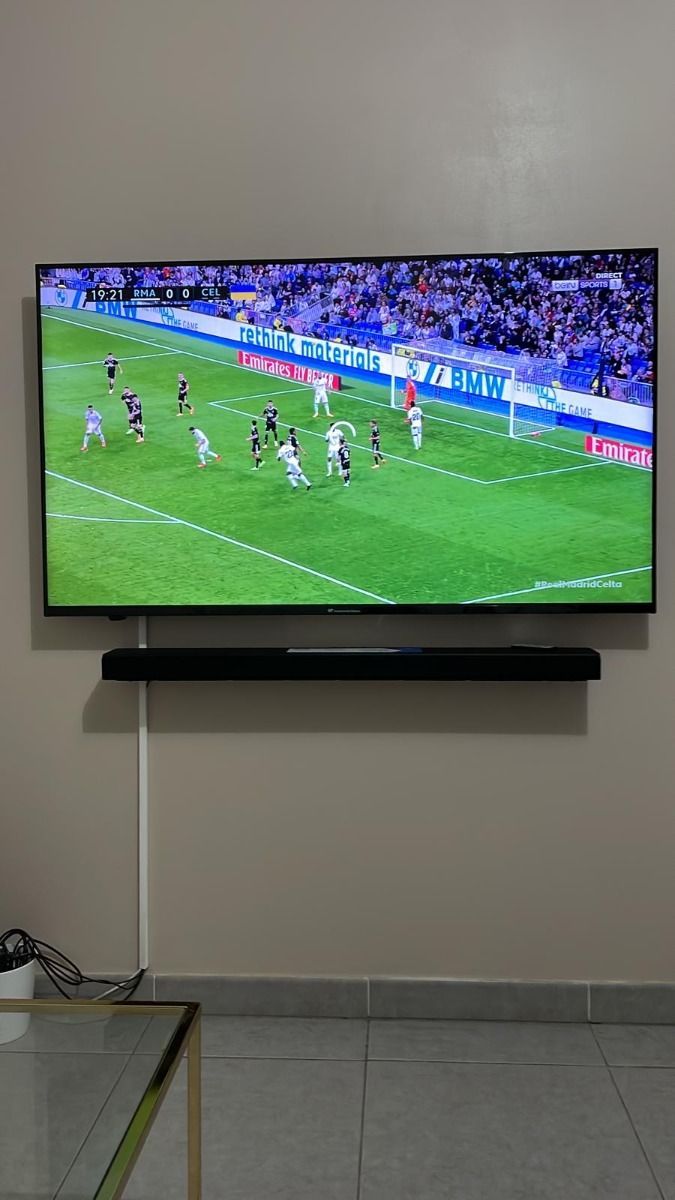
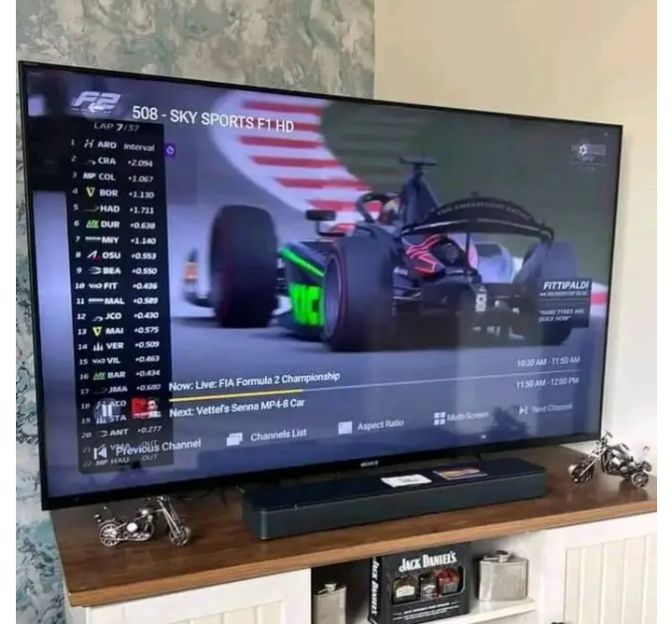
Sports viewers need a stable app, a strong connection, and a plan that is active before the event starts. IPTVBoss content encourages testing playback early, saving favorite channels, and checking the EPG before busy match windows.
If live events buffer or a guide does not refresh, the troubleshooting guide explains practical checks for Wi-Fi, app cache, device memory, VPN routing, and playlist refresh behavior.


App Preview
IPTV App Preview for IPTVBoss Users
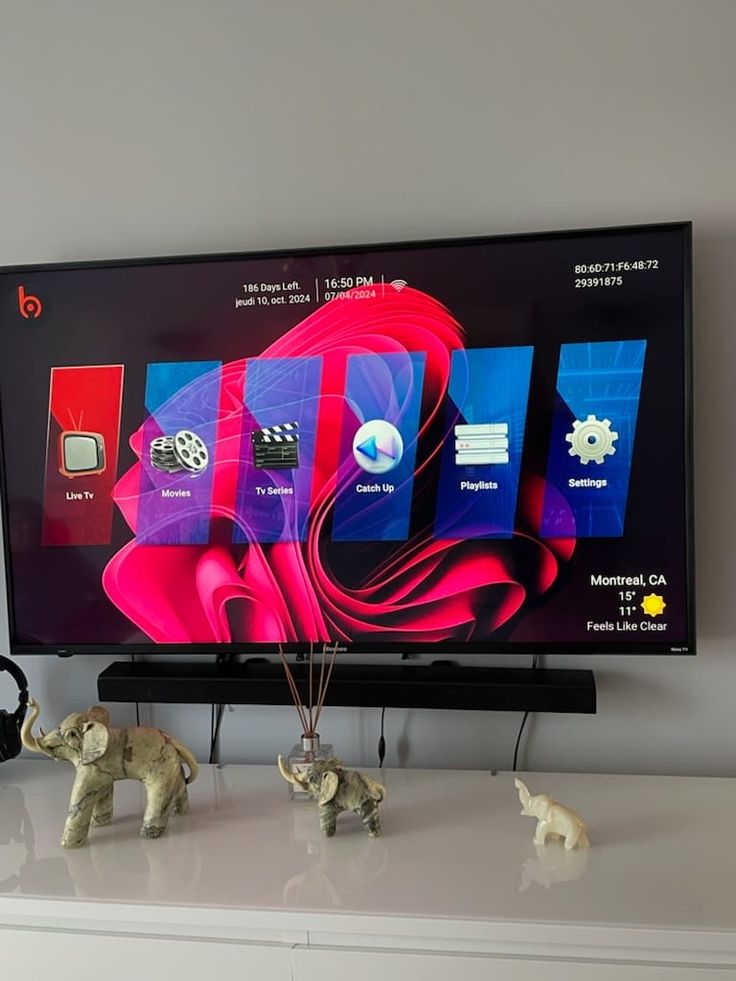
The Hot Player-style interface below shows the kind of dashboard viewers often expect from IPTV apps: separate areas for Live TV, Movies, Series, and Radios. Actual menus vary by app, which is why the IPTV apps guide is part of the site cluster.
Hot Player
Version 1.2.2Active previewLive TV, VOD, Series, and Radio
 Live TV
MOVMovies
SERSeries
 Radios
Comparison
iptvboss Alternative Decision Guide
The phrase iptvboss alternative should not mean choosing the cheapest unknown option. A useful comparison looks at setup help, guide support, app fit, device performance, and clear plan terms.
| Decision point | IPTVBoss approach | What to check elsewhere |
|---|---|---|
| Setup help | WhatsApp guidance based on device and app | Whether support exists after payment |
| EPG support | M3U and EPG workflow explained in the guide cluster | Whether guide data loads in your app |
| Plan clarity | USD prices and per-day value shown before ordering | Hidden screen limits or unclear renewal terms |
| Device fit | Smart TV, Fire TV, Android TV, mobile, and computer guidance | Whether your exact device is supported |
Before Ordering
How IPTVBoss Fits a Home Streaming Setup
A strong IPTV setup starts with the screen in front of you. A Smart TV app may be convenient, but some TVs have limited storage or slower processors. A Fire TV or Android TV device may provide smoother app updates. The device guide breaks those tradeoffs down before you choose a plan.
The next decision is plan length. A one-month subscription is useful when you want to test your app, internet connection, and viewing habits. A longer plan makes more sense when IPTVBoss is already part of the household routine. Multi-screen options are for simultaneous viewing, not simply installing the app on multiple devices.
Pricing
iptvboss Pricing by Per-Day Value
Choose the IPTVBoss plan that fits your household. Every plan button opens WhatsApp with the selected subscription already written in the message.
1 Month
Best for trying IPTVBoss on one device.
$12$0.40/day
- Fast IPTVBoss activation
- M3U and EPG support
- Friendly WhatsApp help
3 Months
A flexible choice for seasonal sports and family viewing.
$25$0.28/day
- Fast IPTVBoss activation
- M3U and EPG support
- Friendly WhatsApp help
6 Months
Lower daily cost with steady access and support.
$39$0.21/day
- Fast IPTVBoss activation
- M3U and EPG support
- Friendly WhatsApp help
12 Months + 1 Month Free
The best IPTVBoss value for year-round streaming.
$59$0.16/day
- Fast IPTVBoss activation
- M3U and EPG support
- Friendly WhatsApp help
2 Screens / 6 Months
Two simultaneous screens for shared households.
$59$0.32/day
- Fast IPTVBoss activation
- M3U and EPG support
- Friendly WhatsApp help
2 Screens / 12 Months
Annual two-screen access with the lowest shared daily cost.
$89$0.24/day
- Fast IPTVBoss activation
- M3U and EPG support
- Friendly WhatsApp help
More Screens
Need IPTVBoss for a larger household or more devices? Ask support for a practical multi-screen recommendation.
Customquoted in USD
- More screen options
- Plan guidance before ordering
- Support for app setup
Activation
iptvboss 3-Step Activation
From the homepage, start with a plan, confirm your preferred device, and use WhatsApp so support can help load the right IPTV app settings.
Choose a plan
Pick the IPTVBoss subscription length or screen count that matches how you watch.
Message support
Use the WhatsApp button so the selected plan arrives in a clear prefilled message.
Load and watch
Add your details to a compatible app, load the playlist, and check the EPG.
Devices
iptvboss Devices for Flexible Viewing
IPTVBoss can fit different viewing habits when the device and app are chosen carefully. A family room TV, a bedroom Fire TV, an Android TV box, or a phone used while travelling each needs a slightly different setup path.
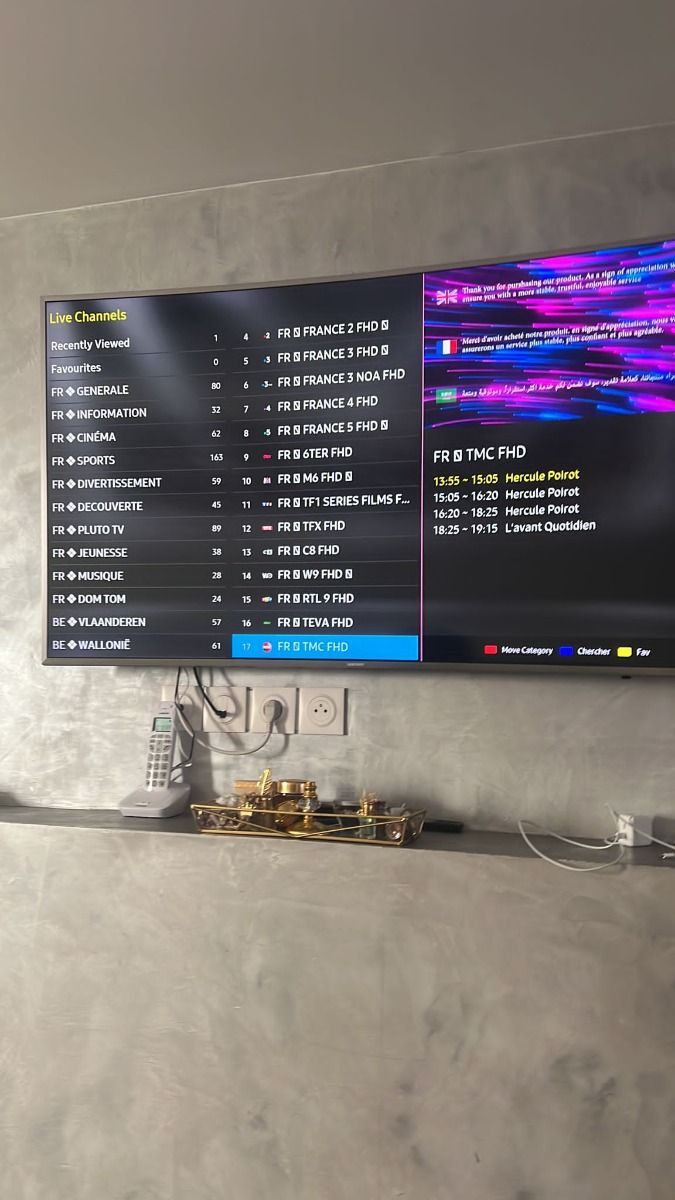
Use the installation guide after choosing a device so you know whether to prepare an M3U link, Xtream-style login, EPG refresh, or support request.


Feedback
IPTVBoss Support Feedback Themes
IPTVBoss Support Feedback Themes avoids fabricated star ratings and named reviews; the section focuses on service themes that help buyers evaluate fit.
Setup claritySupport topic
In iptvboss support feedback themes, viewers often care most about getting from plan selection to a working app without guessing where login details belong.
Device guidanceSupport topic
In iptvboss support feedback themes, support questions usually start with the device, because Smart TV, Fire TV, Android TV, and mobile apps behave differently.
Guide organizationSupport topic
In iptvboss support feedback themes, ePG and channel grouping make day-to-day browsing easier when the app supports refresh and category management.
Plan fitSupport topic
In iptvboss support feedback themes, the right plan depends on viewing frequency, number of screens, and whether the household wants a short test or annual value.
Order iptvboss Through WhatsApp
Send the plan you want, ask about setup, or request help choosing the right IPTVBoss option for your device. WhatsApp keeps the conversation practical because support can ask about your app, screen count, and setup issue in one place.
Message IPTVBossFeature Paths
How IPTVBoss Features Connect to the Guides
The homepage introduces channel organization, VOD, EPG, device compatibility, multi-screen planning, and support as decision paths rather than repeating the full feature grid. Use the features page for the complete breakdown when you want to compare how each service area works inside the broader IPTVBoss setup flow.
Viewers with a schedule question should continue to the M3U and EPG guide. Viewers with playback issues should use troubleshooting. Buyers deciding between plan length and screens should stay with pricing before opening WhatsApp.
Search Intent for Home
This home page is written to answer a specific IPTVBoss search intent instead of repeating the same generic brand pitch. A visitor should leave with a clearer decision: whether to compare plans, prepare a device, understand app behavior, solve an EPG issue, or contact support with enough detail to get a useful response. The page links into pricing, features, installation, M3U and EPG, and troubleshooting so the user can continue through the topic cluster without relying only on the header or footer. That structure also helps prevent every page from competing for the same broad brand keyword.
What to Check Before Acting
Before taking the next step on home, viewers should identify the screen they will use most, the IPTV app they prefer or need help choosing, whether simultaneous screens are required, and whether the question is about buying, activation, guide data, VOD, buffering, or responsible use. Those details change the best answer. For example, a blank EPG on a Smart TV app is a different problem than buffering on Wi-Fi during a live sports event, and a multi-screen buying question is different from installing the same app on several devices.
How This Topic Connects to Support
IPTVBoss support works best when the first message is specific to home. Instead of sending only a greeting, describe the goal and include the device, app, plan interest, and symptom if there is one. That is why plan buttons include prefilled WhatsApp messages and why the contact form builds a readable message. The site structure is designed to turn scattered IPTV questions into a clear support conversation, with fewer repeated questions and more useful next steps.
Device and App Context
The same IPTV account details can produce different results depending on the app and hardware. A recent Android TV device may handle guide refresh, VOD search, and favorites differently from an older Smart TV. A phone may be useful for travel while still being the wrong primary screen for a family room. This home page should therefore be read with the device and app guides in mind, not as an isolated page.
Internal Link Path
A healthy IPTVBoss content cluster uses contextual links inside the home copy, not only navigation menus. If this page raises a buying question, pricing is the next step. If it raises a setup question, installation is the next step. If it raises a schedule question, the EPG guide is the next step. If it raises a playback problem, troubleshooting is the next step. That link path is intentionally varied so anchors stay descriptive and useful.
Accuracy and Trust
The current project does not include a verified source file for home-related public star ratings, exact review counts, channel totals, or named customer testimonials. Because of that, this site avoids inventing those details in visible content or schema. Trust is built through clear USD pricing, precise page topics, no Dutch route leftovers, honest offer wording, useful policy pages, and support paths that tell users what information to send.
Decision Path for US Viewers
On the home page, U.S. households are framed around several viewing patterns: evening entertainment, weekend sports, local or national news, and occasional mobile viewing while away from the main TV. A helpful IPTV answer should not pretend those needs are identical. Someone who watches one screen a few nights a month may choose differently from a family that uses two screens every weekend. This topic keeps that decision path visible and avoids forcing every visitor toward the same answer.
Avoiding Duplicate IPTV Advice
For home, the copy avoids broad claims about channels, quality, and support without explaining what a viewer should actually do. IPTVBoss pages are being separated by task: pricing explains buying choices, features explains service capabilities, FAQ answers common blockers, installation explains how to use IPTVBoss, and the EPG guide owns iptvboss epg intent. That separation reduces keyword cannibalization and makes this page a better answer for its own query.
Practical Quality Signals
Useful home quality signals include clear USD pricing, no Dutch or EUR leftovers, no fake countdown, no unsupported star rating schema, working internal links, descriptive link titles, mobile-first layout, and structured data that reflects visible content. These signals matter because they help both users and search engines understand the topic without relying on inflated claims or copied paragraphs.
Next Step After Reading
After reading home, the next step depends on intent. Buyers should compare plan length and screen count. New users should open the installation guide before ordering. EPG-focused users should read the M3U and EPG guide. App or device questions should go to the app and device pages. If the issue is already happening, troubleshooting and contact are the most useful pages because they help turn the symptom into a support-ready request.
Commercial Use Without Filler
The goal is not to bury visitors under a long IPTV essay. The goal is to answer the buying or setup question thoroughly enough that the next click is obvious. On home, that means explaining what matters, what should be checked before contacting support, and which related page owns the next deeper topic. This keeps the page commercial, but still useful for searchers who want substance before opening WhatsApp.
Mobile-First Reading
For home, most traffic is expected to arrive on mobile, so the content is broken into smaller sections with direct headings, short paragraphs, and links that are easy to tap. The layout should not depend on a wide desktop screen to make sense. A visitor at 320px should still understand the offer, the next step, and the relationship between this topic and the broader IPTVBoss guide cluster.
FAQ
iptvboss Frequently Asked Questions
Answers are written for real setup and buying decisions, not generic IPTV filler.
What is IPTVBoss best used for?
IPTVBoss is best suited for U.S. viewers who want one guided IPTV setup for live television, sports, movies, series, and app-based viewing across common home devices.
Can I use IPTVBoss on more than one device?
Plan choice matters. Single-screen plans are designed for one stream, while multi-screen options are better for households that expect more than one person to watch at the same time.
Does IPTVBoss help with setup?
Yes. The ordering flow is built around WhatsApp so support can ask about your device, app, and plan before guiding the next setup step.
Where should I learn about EPG setup?
The dedicated M3U and EPG guide explains how schedule data, channel groups, and app refresh steps work together.
How should I choose a plan?
Start with your viewing frequency, number of screens, and device type, then compare the per-day value on the pricing page.